
Critical Labs supports maintenance mode on connected pieces of equipment. When activated, maintenance mode deactivates all texts and emails typically sent to users when an alarm is triggered or a threshold is crossed.
Any alerts that occur while in maintenance mode will show up in the equipment log and will also show up on the Critical Labs web app just like a regular alert.
How to Activate Maintenance Mode
You must have the permission `Manage Gateways` to be able to put a piece of equipment into maintenance mode. Browse to the piece of equipment that you want to put into Maintenance Mode by clicking on My Equipment in the top righthand menu.
If you are allowed to put equipment into maintenance mode, then you will see the following button on the equipment screen, labeled Maintenance Mode:
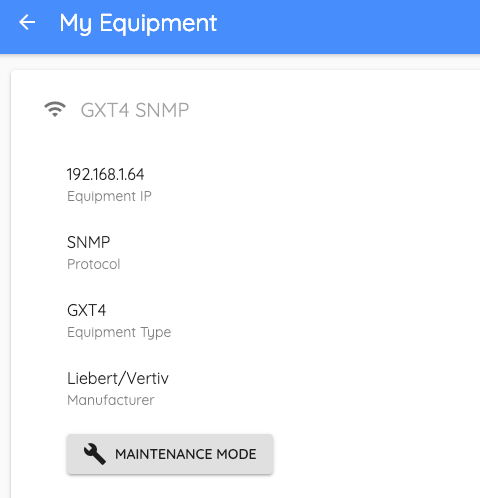
All you have to do is click the button, and your equipment is now in maintenance mode:
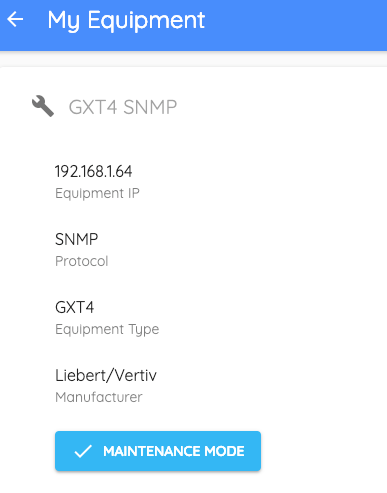
To switch off maintenance mode, simply click the Maintenance Mode button again.
NOTE: This will disable alarms for EVERYONE on this equipment. Don't forget to take your equipment out of maintenance mode when you are done with maintenance!
Comments
0 comments
Please sign in to leave a comment.