
Before installing a Watchdog sensor at a customer site, there are a few things that should be set up. The Watchdog instruction manual can be found here: https://www.geistglobal.com/sites/all/files/site/User_Manuals/Monitor/gm_1137_20170525_final.pdf.
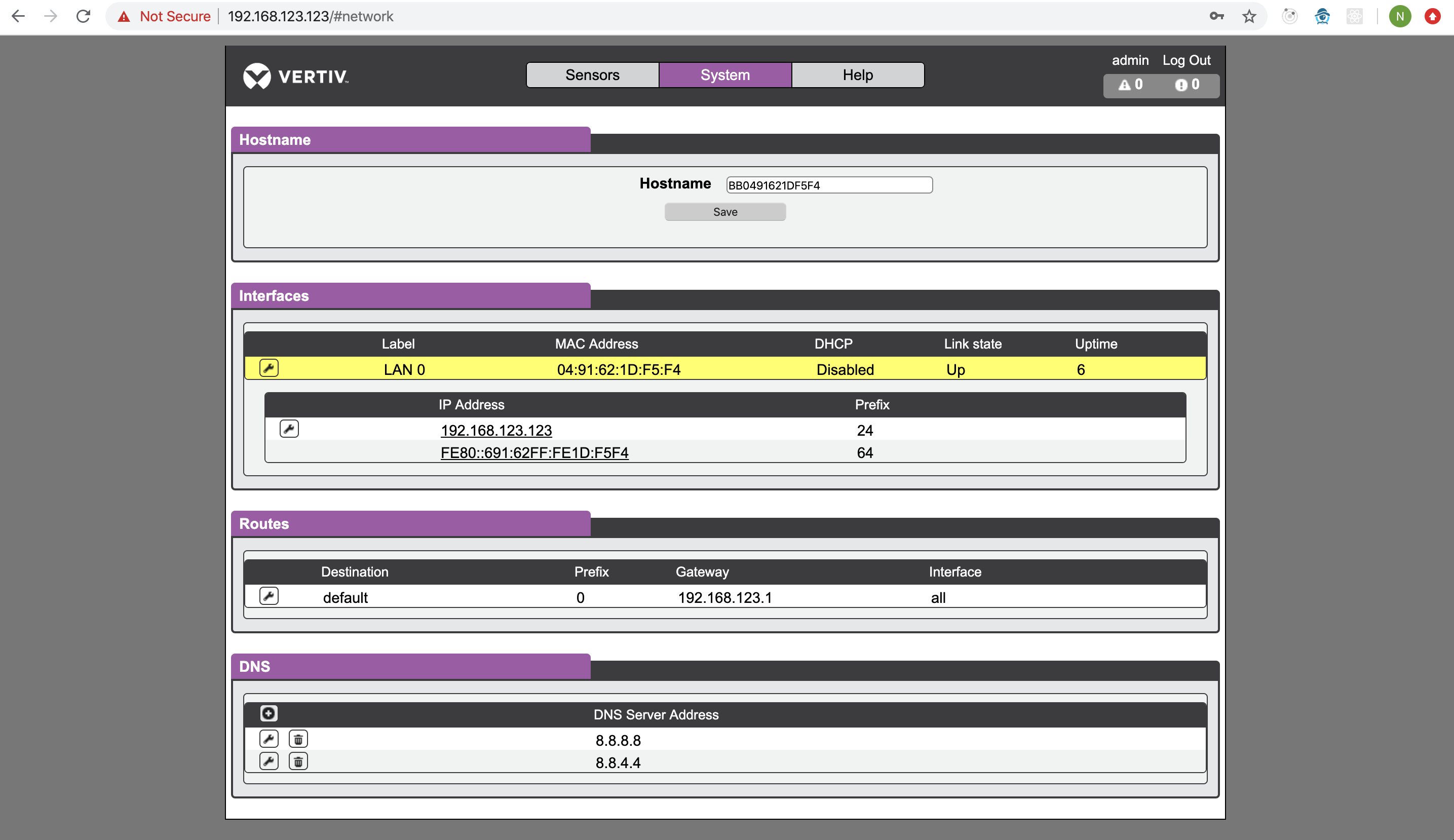
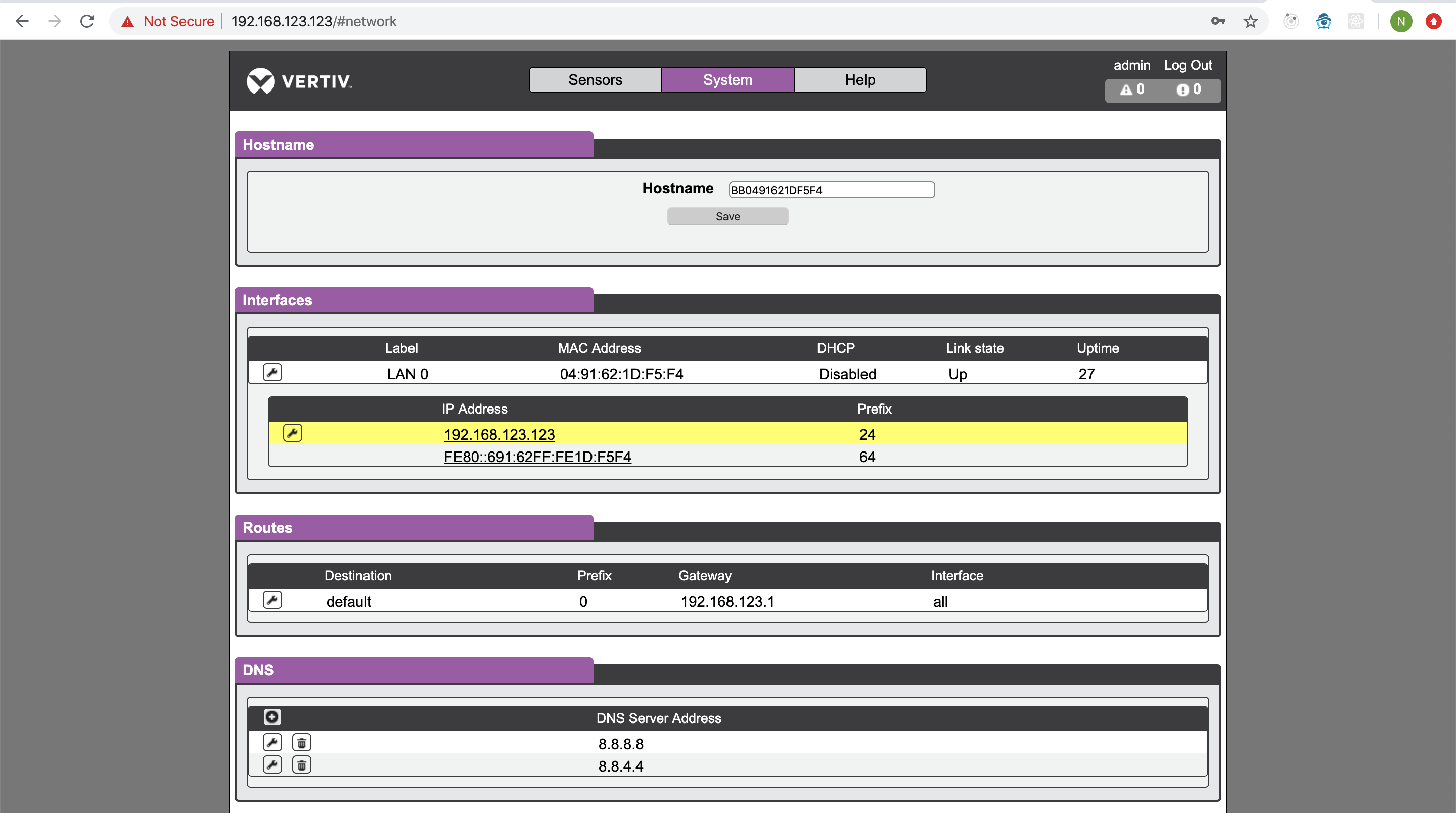
*Note: You will need a device that has the ability to configure your network settings to be able to reach the sensor's configuration web page on its default subnet (192.168.123.123).
Use the instruction manual as needed to complete the following actions:
*Note : Be sure to do network settings changes last if possible. The device will reboot with the new configuration as soon as you click save and you will have to connect to the new subnet if you make IP address changes.
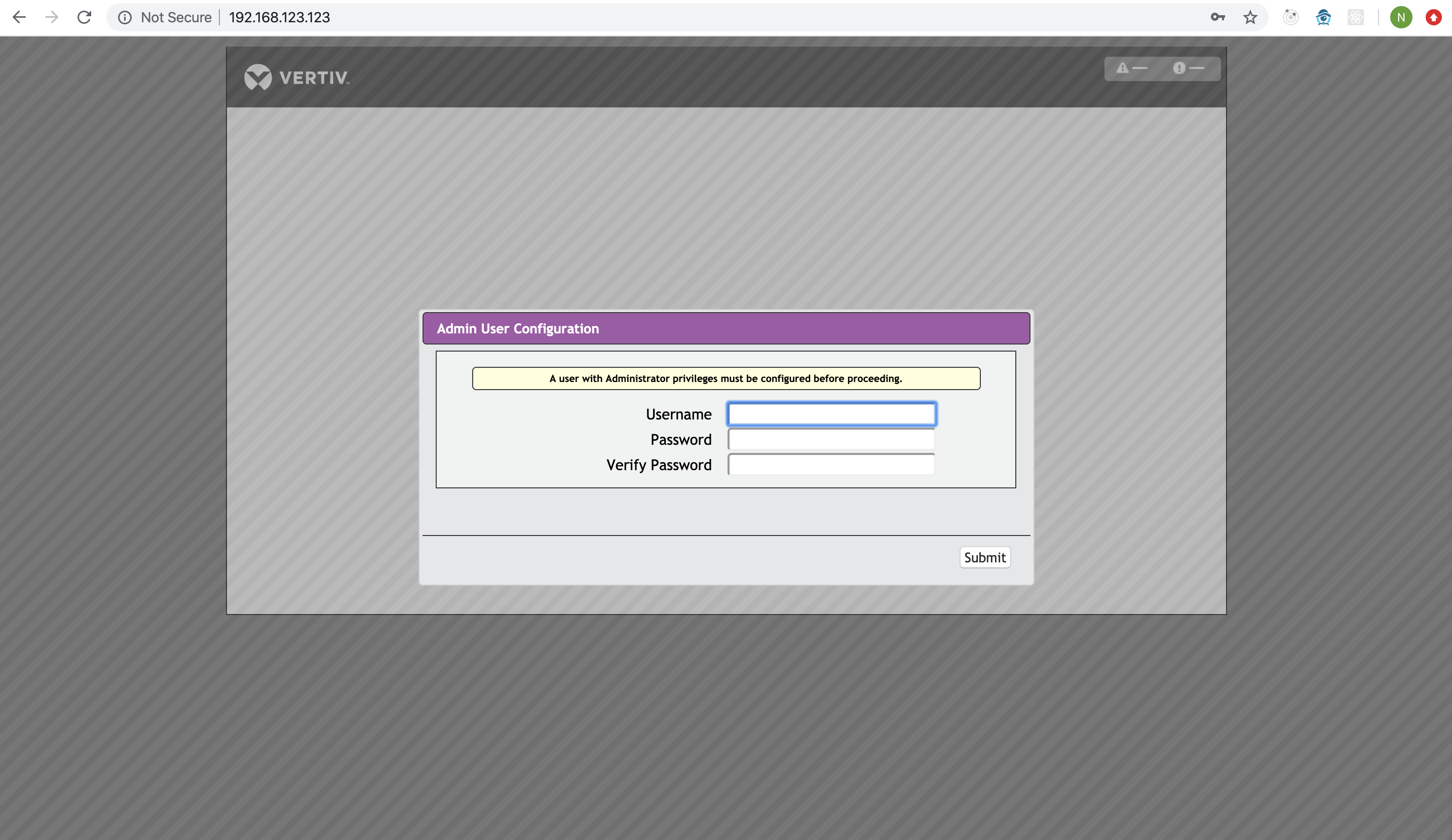
- Create an admin user and password
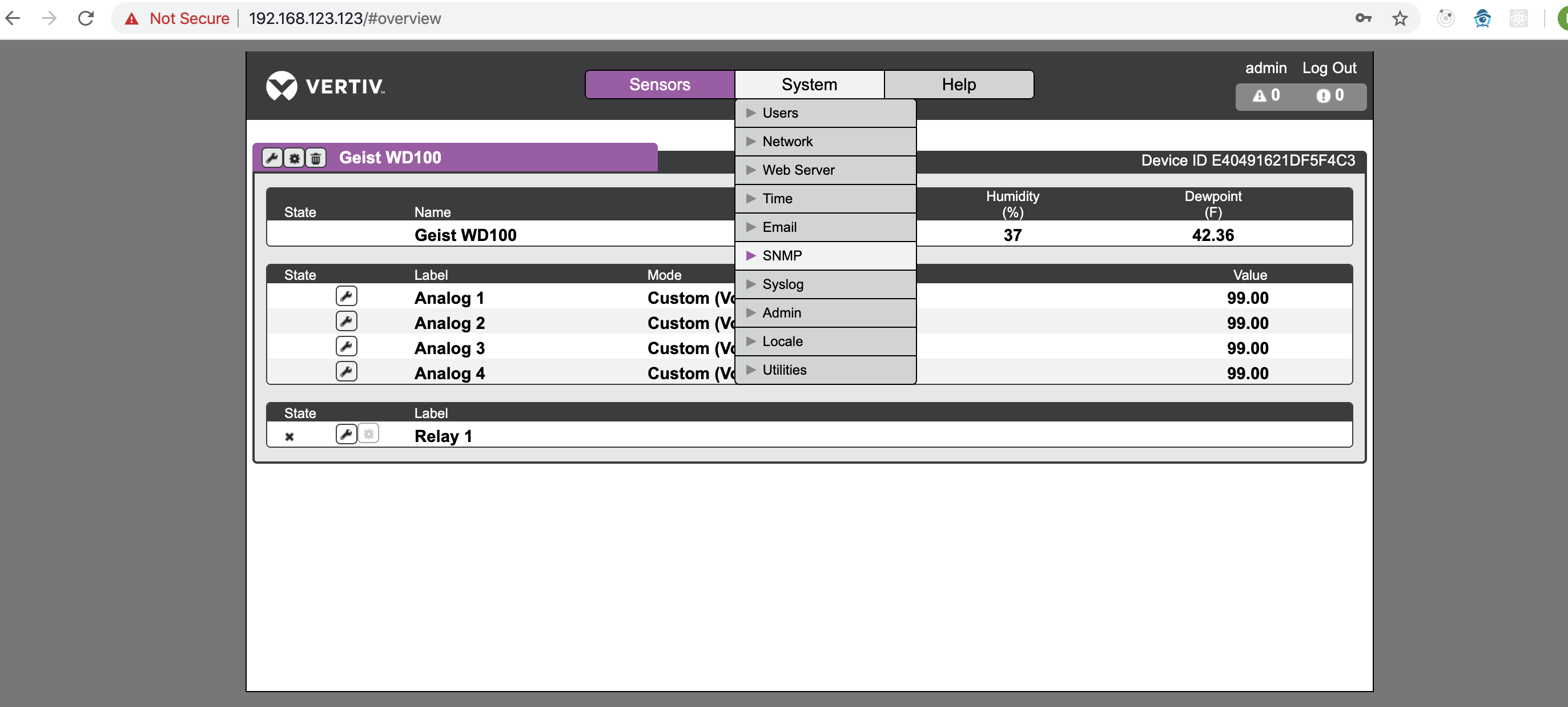
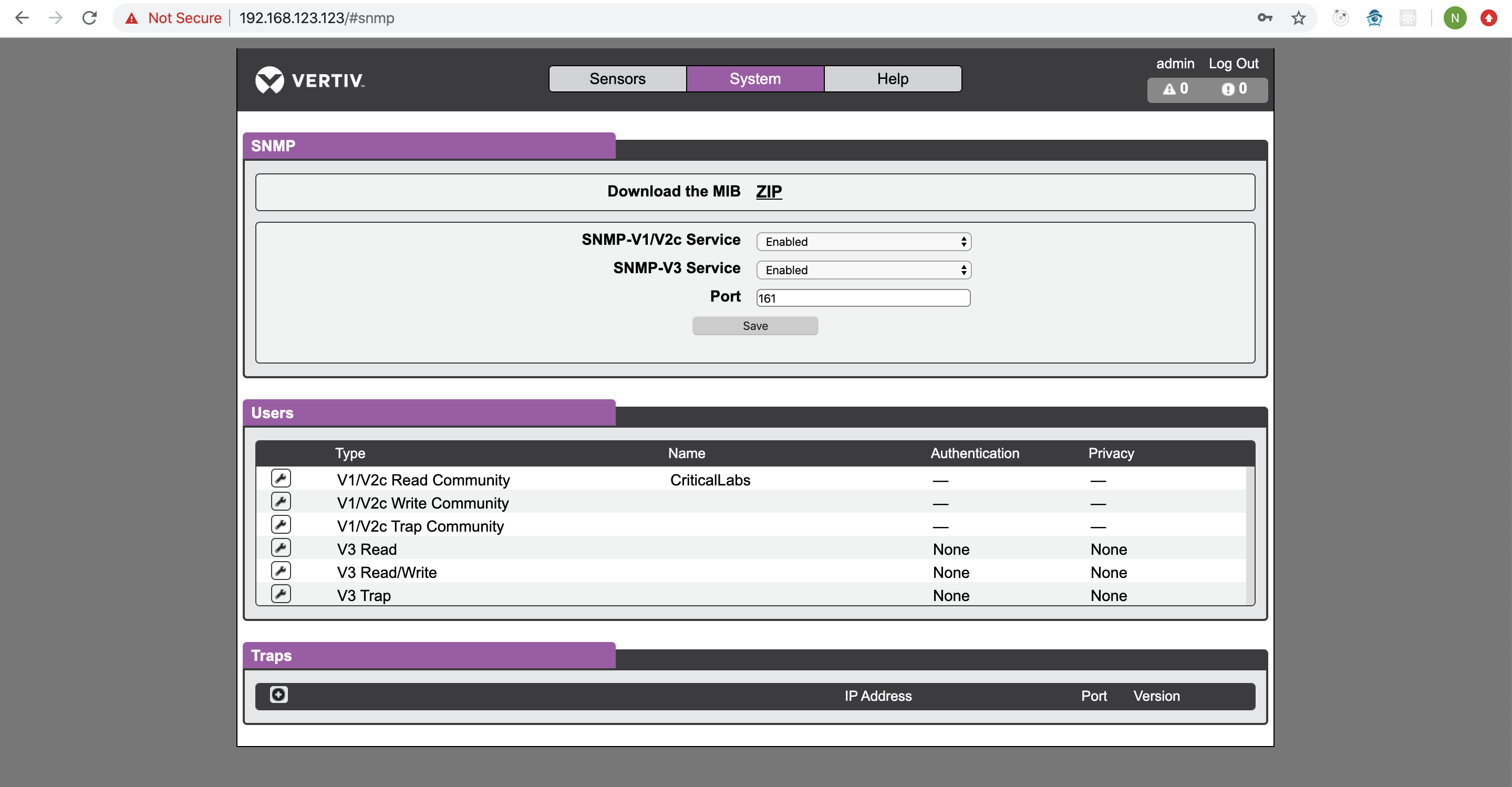
- Change the SNMP community string from the default to make the device more secure
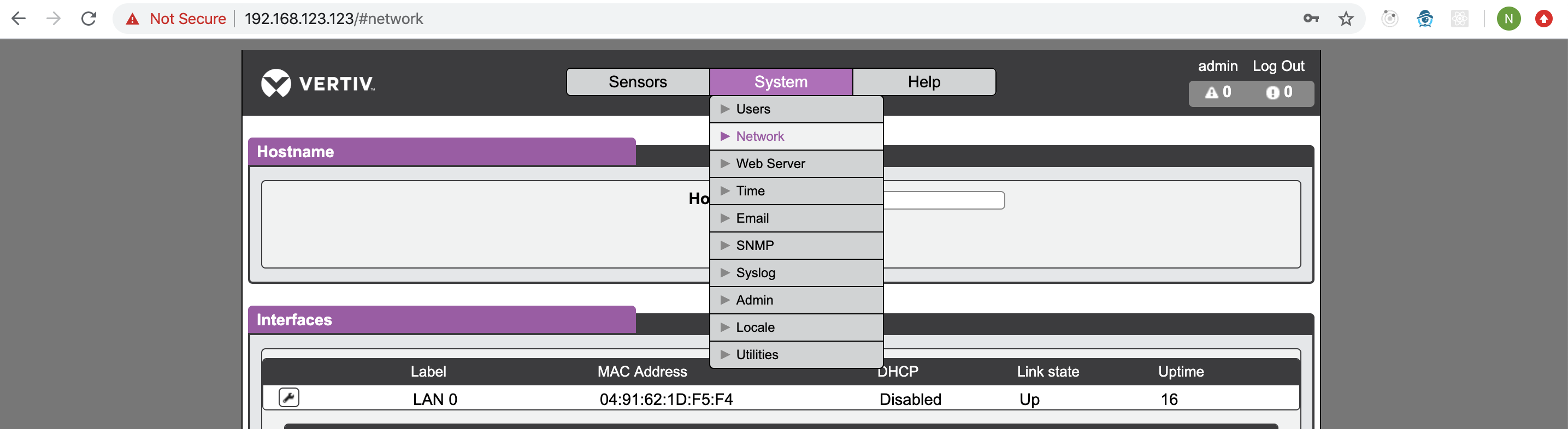
- Change network settings to DHCP or set a static IP address if necessary
Once these steps have been completed, you can install the sensor at the customer site.
Comments
0 comments
Article is closed for comments.