
Logging in via the home page
When you open www.criticallabs.com you will find yourself on our home page.
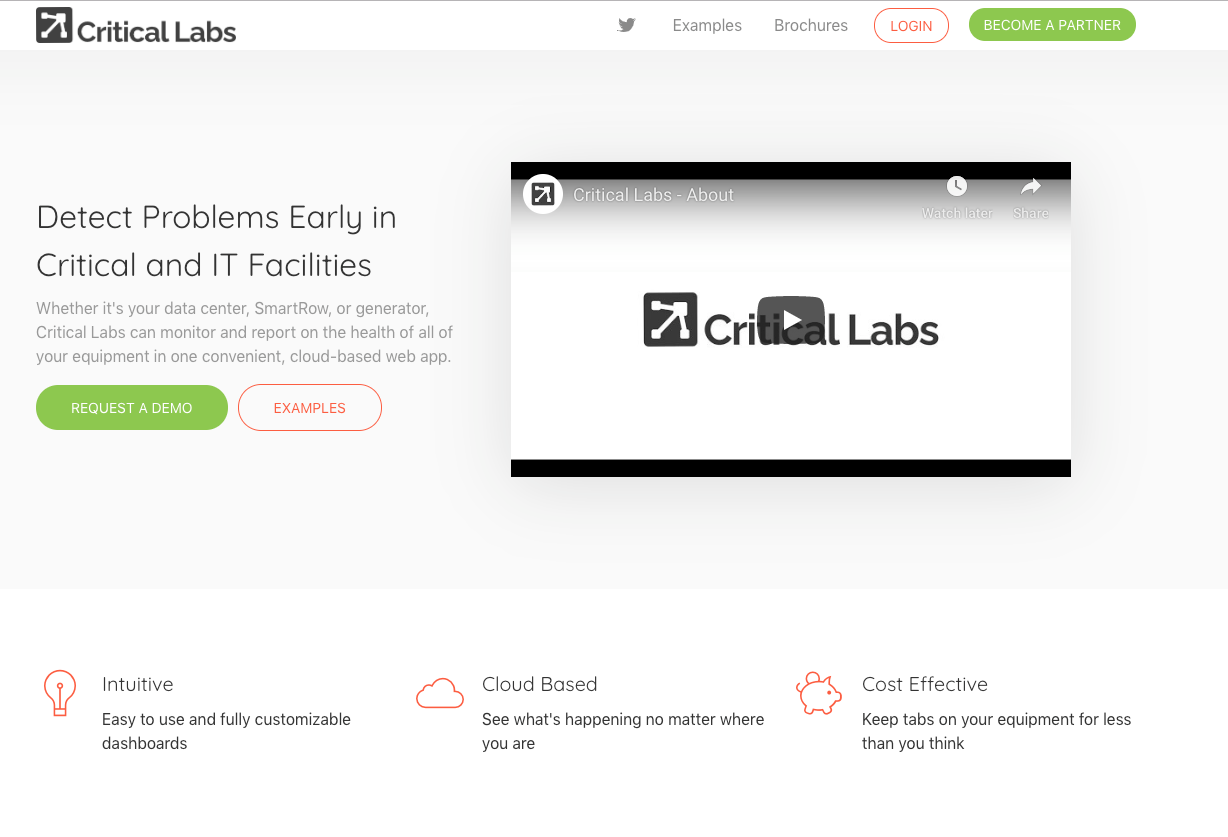
If you are already signed up and have created a profile, you can click the Login button at the top right corner of the page to sign-in to our customer portal. If you do not been invited by someone to Critical Labs, then contact us to get credentials!
Navigating the Critical Labs Application
Once you are logged in, you will be directed to the Companies page. You may have access to many companies or just one. To access any information or perform actions within Critical Labs you will first need to select the company you wish to view.
Once you select a company you will open up the Views page. From here you can access any part of the Critical Labs application by using the Navigation Menu. The Navigation Menu appears as 3 vertical dots at the upper right hand corner of every page.
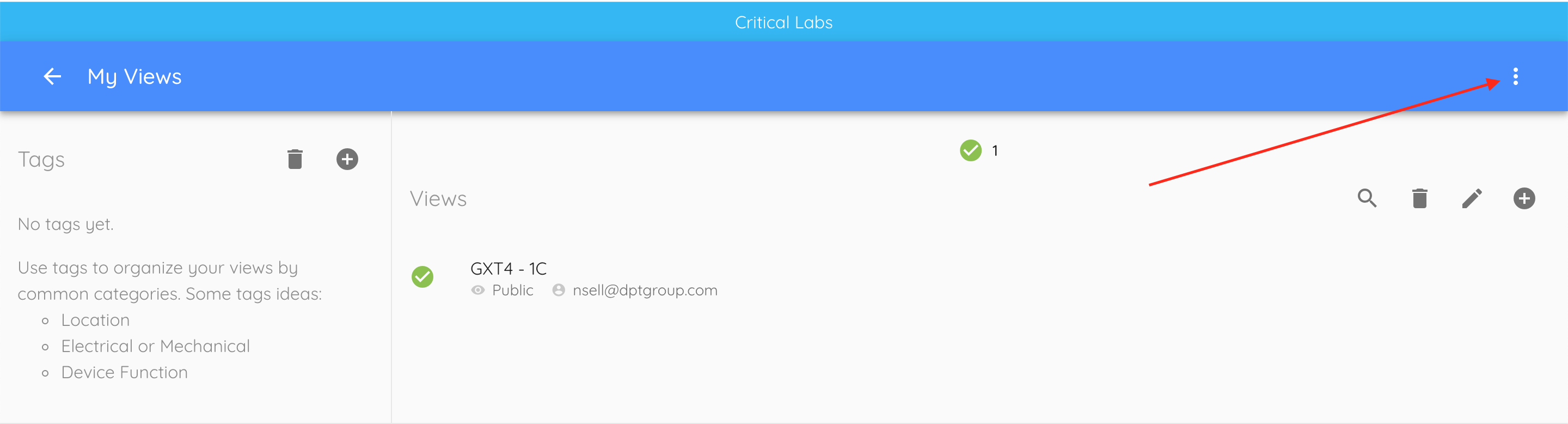
Click on the icon and you will open the Navigation Menu
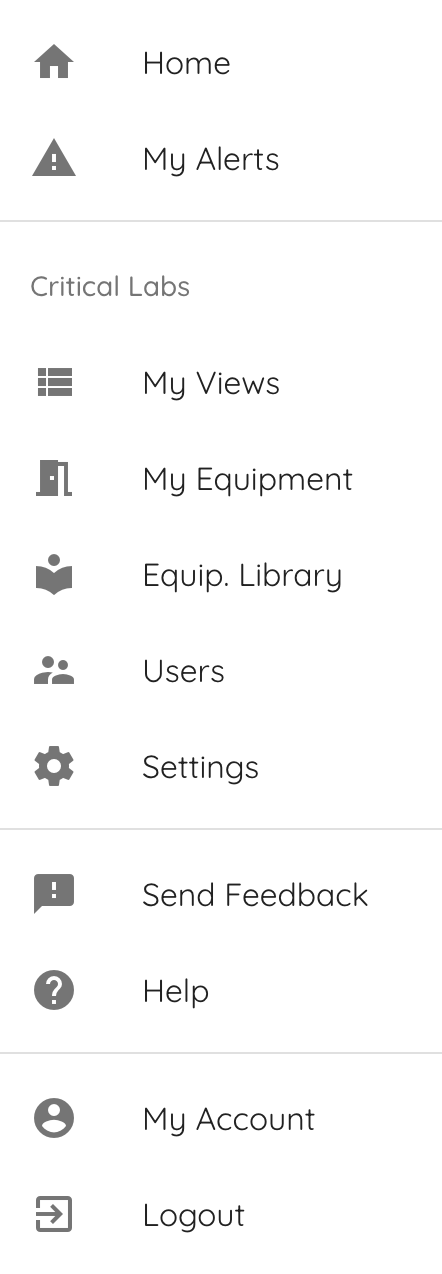
From here you can Logout of the application, edit your account settings, and navigate to the different parts of the application.
Next Up -> Managing Devices
Comments
0 comments
Article is closed for comments.